


Nepenthe Image redaction for Mac
Removes faces, number plates and location data before you publish.
Drop in a photo and Nepenthe proposes the faces, plates and sensitive text it finds. You decide on every one, the covered pixels are destroyed, and the written file is read back and checked before you publish it.
How it removes what identifies
Proposes, never decides
Detection finds faces, number plates and sensitive text, and offers each one for your review. You confirm, remove, or draw the regions it missed. Nothing is written until you have looked.
Destroys the covered pixels
The export encodes a new file with those pixels gone — no layers, no overlays, nothing recoverable underneath. Your original is never modified, so you finish with two files.
Reads the result back
The written file is opened again and re-scanned. If anything is still detectable it is held back and reported, rather than handed to you as finished.
Nepenthe at work
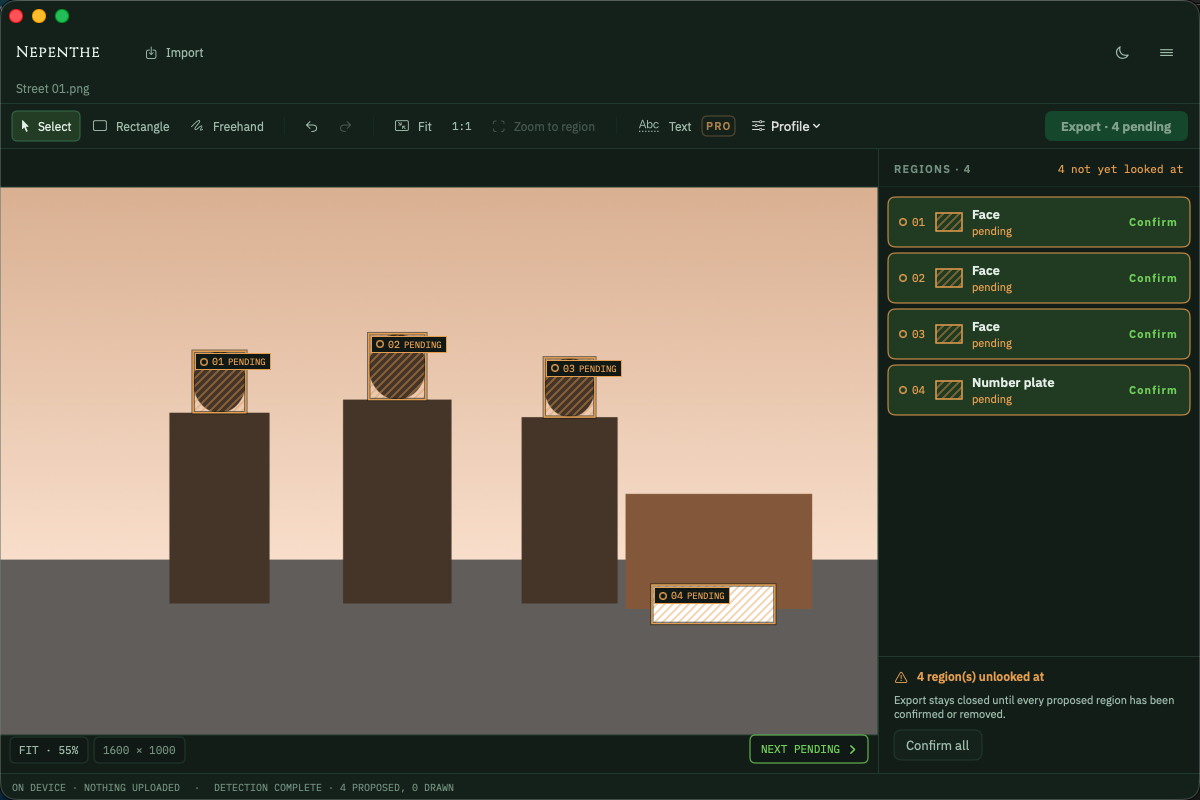
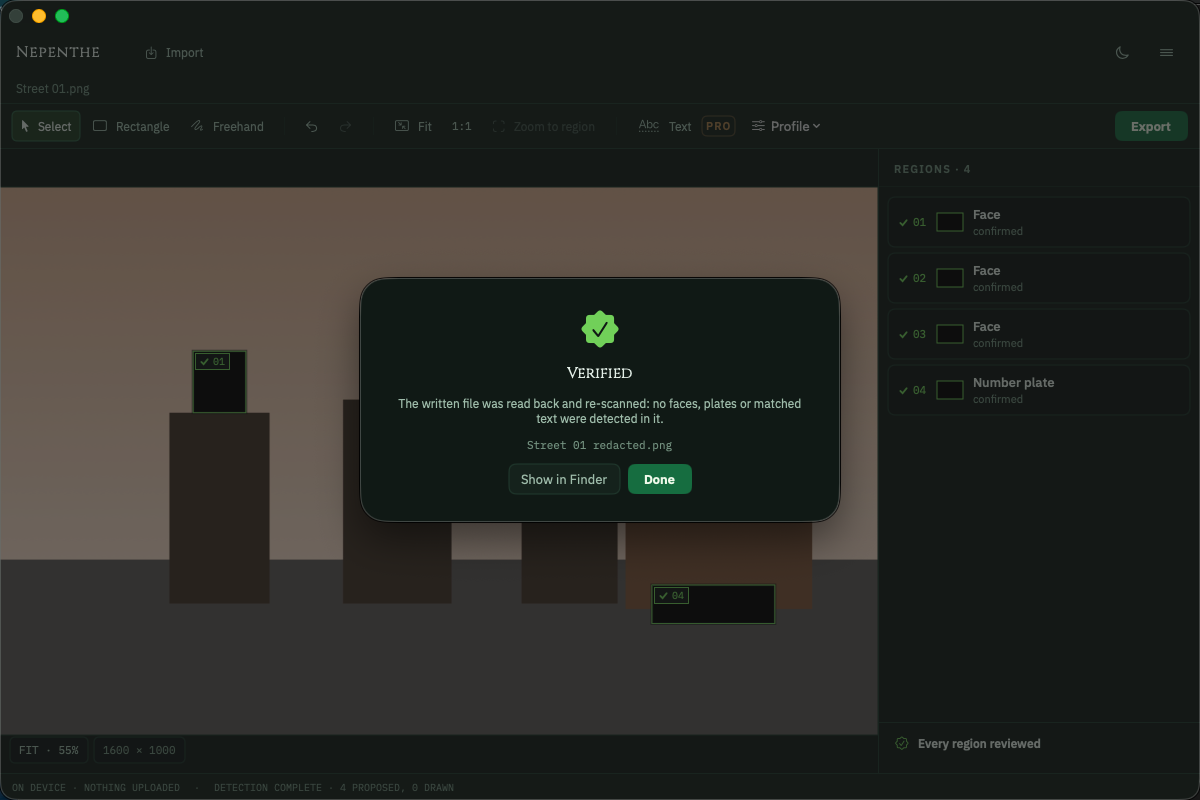
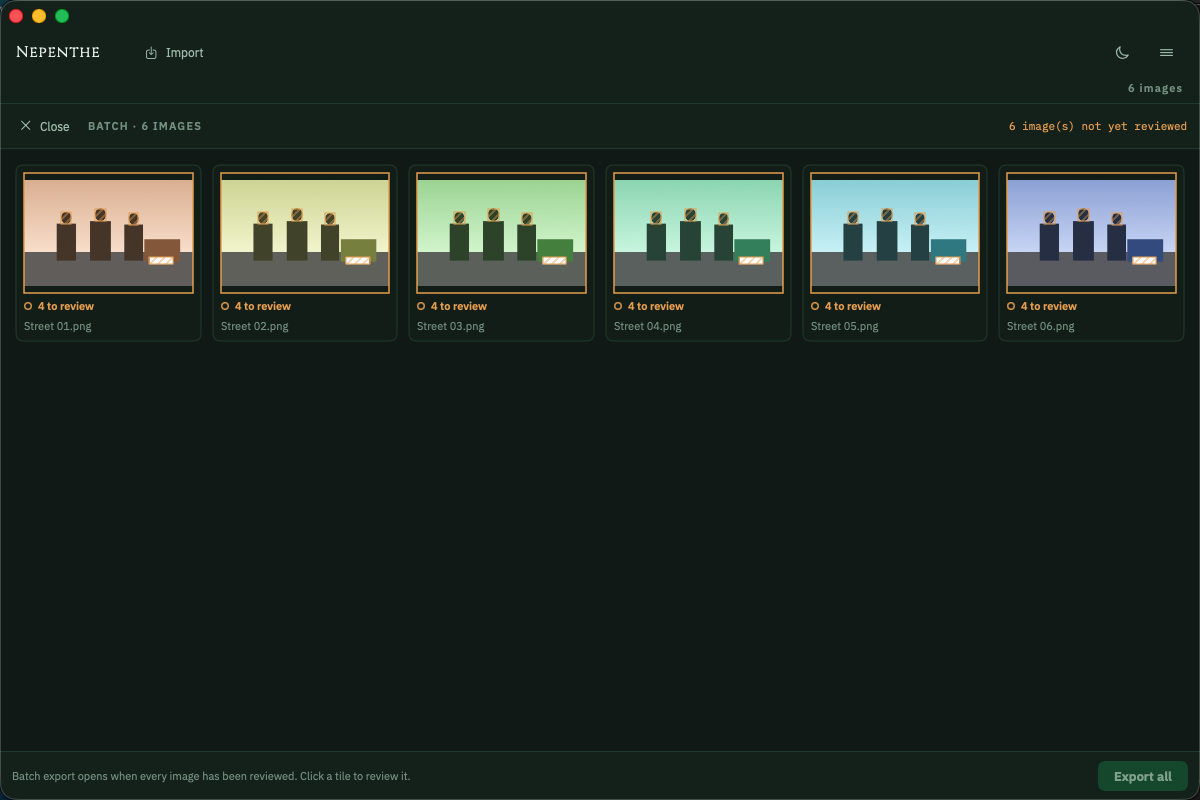
Before the dose, after the dose
- A smeared rectangle dragged over a number plate
- Pixelation that a specialist can reverse
- GPS coordinates left in the file, pointing at a front door
- The covered pixels destroyed, then re-encoded
- Solid fill, with reversible treatments refused where they matter
- Location and camera metadata removed by default
Frequently asked
How accurate is the detection?
Not perfect, and the app is built on that assumption. Faces in profile, faces in reflections, partly hidden number plates and unusual text can all be missed. That is why every proposed region is shown for your review, why you can draw regions yourself, and why each export is re-scanned and reported. You are responsible for confirming the result before you publish it.
Does it change my original image?
No. The redacted copy is always written as a new file — Nepenthe never writes in place. You finish an export with two files, and the original is yours to keep or delete.
Can the redaction be undone?
Not from the exported file. The covered pixels are composited away and the file re-encoded, so no layer or overlay hides the original underneath. Blur and pixelation are offered only for faces, and never for number plates, text or documents, because both can be partly reversed.
Is anything uploaded?
No. Processing happens entirely on your Mac. There is no account and no server — nothing to trust us with.
Different symptom, same cabinet.
Frankensheet
Lays a folder of images — or a video — out as one clean sheet.
- Contact sheets from any folder
- Frame boards from any video
- PDF, PNG or JPEG, print-ready
Changeling
Turns HEIC into JPEG on your own Mac, with the location left out.
- HEIC, RAW and WebP in; JPEG, PNG and HEIC out
- GPS on a switch of its own
- Nothing uploaded, originals untouched
Maskelyne
Converts audio and video from one form into another, cleanly.
- Video and audio, converted on your Mac
- Audio lifted out of a video
- Lossless remux where it fits

Mordant
Lifts the subject out of a photograph and bites away the rest.
- Subject lifted on arrival
- Full resolution, no watermark
- Your photographs stay on this Mac

Imprimatur
Makes codes that must read back before it will let you export them.
- Eleven symbologies, QR to EAN-13
- Vector output for print
- Every render decoded before export